|
|
| Description |
|---|
| New version GUI modifyed for the HD dpi (QGridLayout) run only FC version 0.18 and more (PySide2 Qt5) This macro easily creates a connection between two objects, an object and a point or between two points or on wire selected (the center of the objects are the starting and ending points of the sweep) can be selected form a configurable ellipse polygon circle. A discretize function is available to create marker points configurable for cutting lines in section or cutting with a dimension on point is created to all coordinates. A Duplicate face or wire feature for use with the Sweep and Loft operation Sweep and Loft operation directly with the macro. Centring the beam on face Macro version: 0.13 Last modified: 2024-07-21 FreeCAD version: 0.18 and more Download: ToolBar Icon Author: Mario52 |
| Author |
| Mario52 |
| Download |
| ToolBar Icon |
| Links |
| Macros recipes How to install macros How to customize toolbars |
| Macro Version |
| 0.13 |
| Date last modified |
| 2024-07-21 |
| FreeCAD Version(s) |
| 0.18 and more |
| Default shortcut |
| None |
| See also |
| None |

Description
This macro easily creates a connection between two objects, an object and a point or between two points (the center of the objects are the starting and ending points of the sweep) can be selected form a configurable ellipse polygon circle.
A discretize function is available to create marker points configurable for cutting lines in section or cutting with a dimension on point is created to all coordinates.
A Duplicate face or wire feature for use with the Sweep and Loft operation
Sweep and Loft operation directly with the macro.
Temporary code for external macro link. Do not use this code. This code is used exclusively by Addon Manager. Link for optional manual installation: Macro
# This code is copied instead of the original macro code
# to guide the user to the online download page.
# Use it if the code of the macro is larger than 64 KB and cannot be included in the wiki
# or if the RAW code URL is somewhere else in the wiki.

from PySide import QtGui, QtCore

diag = QtGui.QMessageBox(QtGui.QMessageBox.Information,
    "Information",
    "This macro must be downloaded from this link\n"
    "\n"
    "https://gist.githubusercontent.com/mario52a/3ec67a3711202dab69592ce53b938924/raw/984cd58c1d64dd391062025cfa82a698c7268e66/Macro_Connect_And_Sweep.FCMacro" + "\n"
    "\n"
    "Quit this window to access the download page")

diag.setWindowFlags(QtCore.Qt.WindowStaysOnTopHint)
diag.setWindowModality(QtCore.Qt.ApplicationModal)
diag.exec_()

import webbrowser
webbrowser.open("https://gist.githubusercontent.com/mario52a/3ec67a3711202dab69592ce53b938924/raw/984cd58c1d64dd391062025cfa82a698c7268e66/Macro_Connect_And_Sweep.FCMacro")
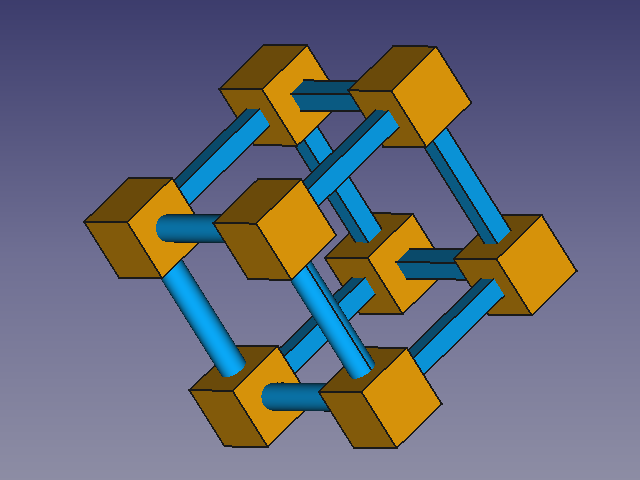
Macro_Connect_And_Sweep
Usage
Run the macro select your objects or points choice the form and parameters and click Create.
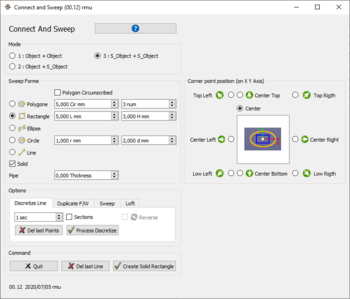
Macro_Connect_And_Sweep
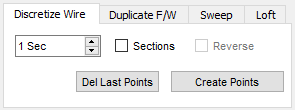
Discretize
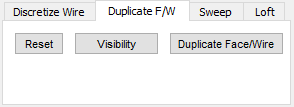
Duplicate
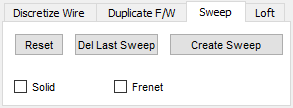
Sweep
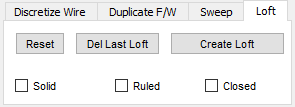
Loft

Reset
Images
These files must be copied to your macros directory
(For download : Click Right button op the image and click "Save Image as ..." (version 0.17))


The icon for the toolbar 
Script
Macro_Connect_And_Sweep.FCMacro
Download the macro to Gits Macro_Connect_And_Sweep.FCMacro
Example
Path and tubing with Macro_Connect_And_Sweep and Macro Repro Wire 
-
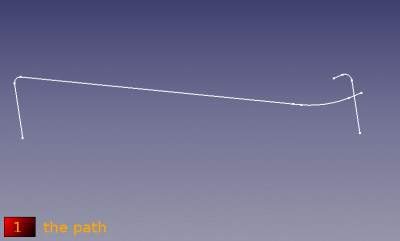 The sweep to work
-
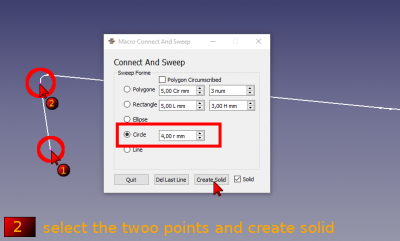 Select the two points choice your form, settings and execute the sweep
-
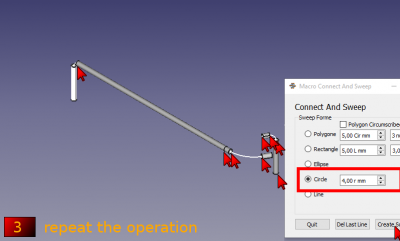 Repeat the operation if needed
-
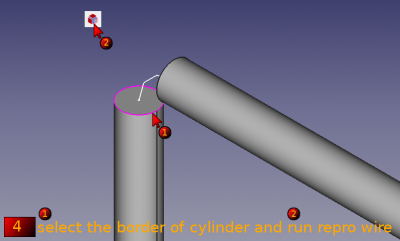 select the border of cylinder and run the Macro_Repro_Wire
-
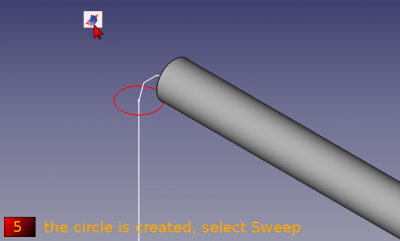 the circle is created activate the Sweep tools
-
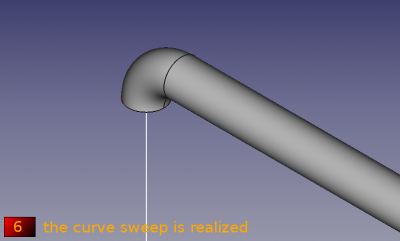 Select the circle the path and execute the sweep
-
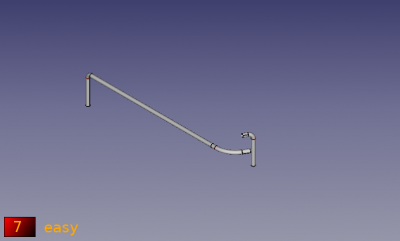 Easy ?
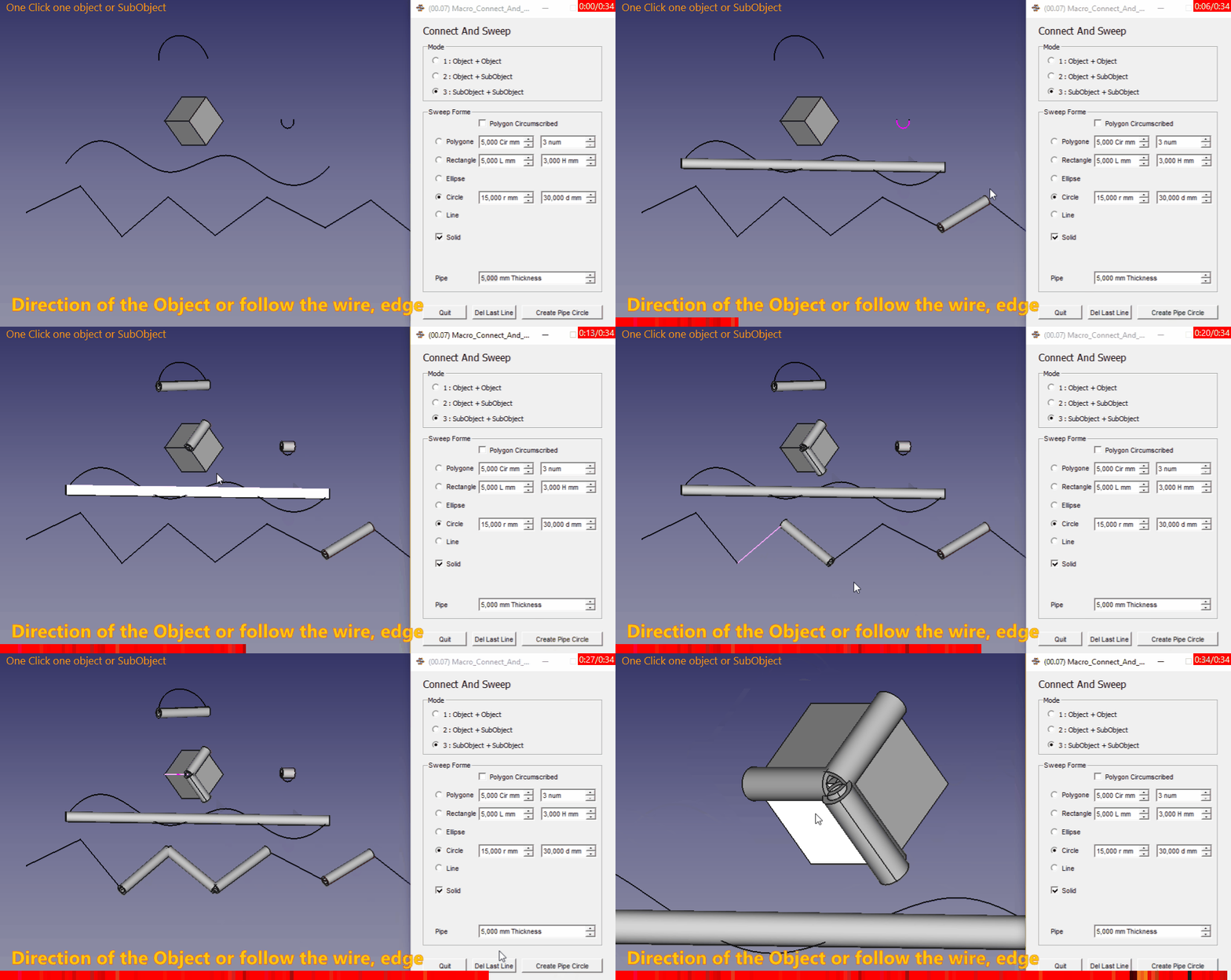
Animated example
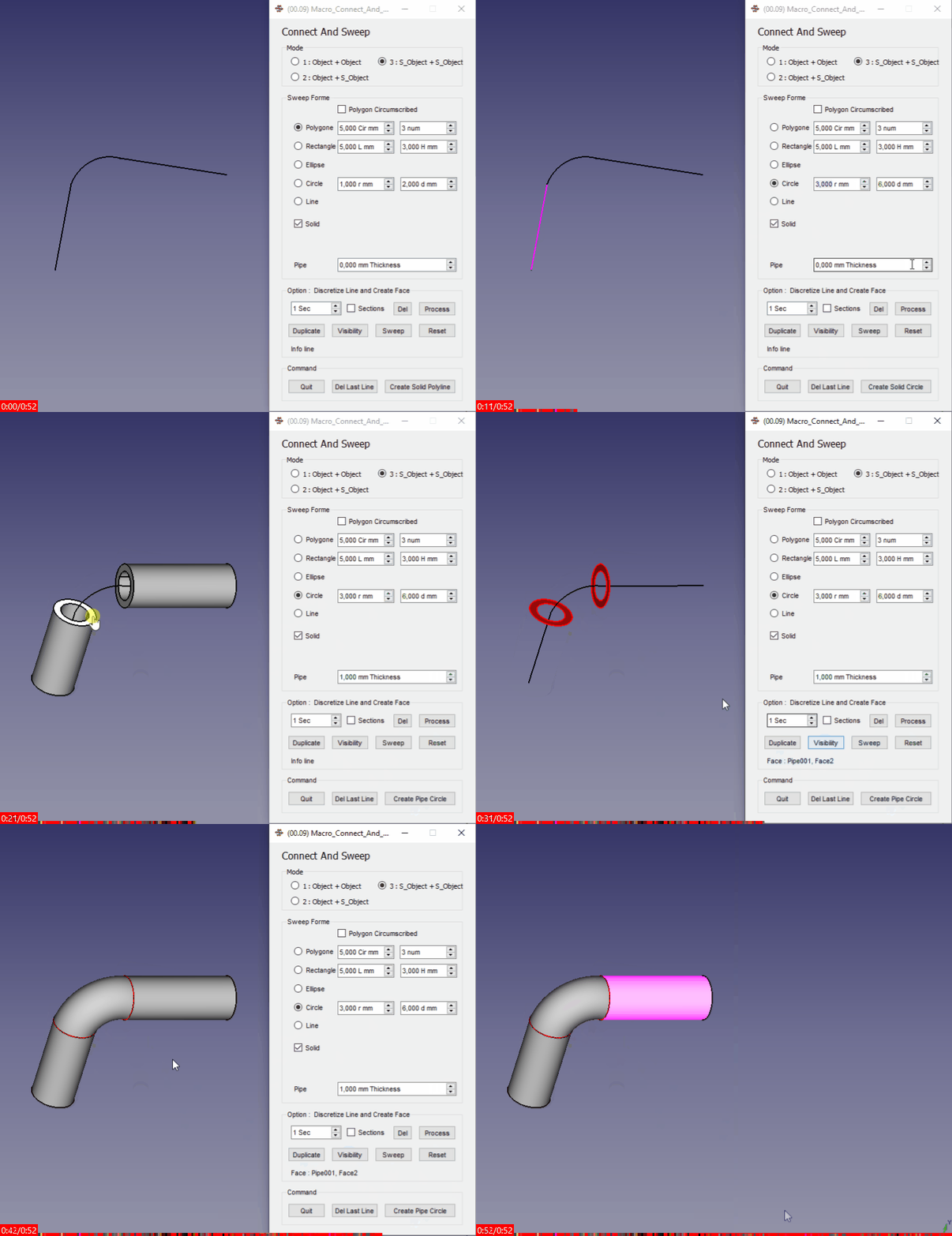
{clear}}
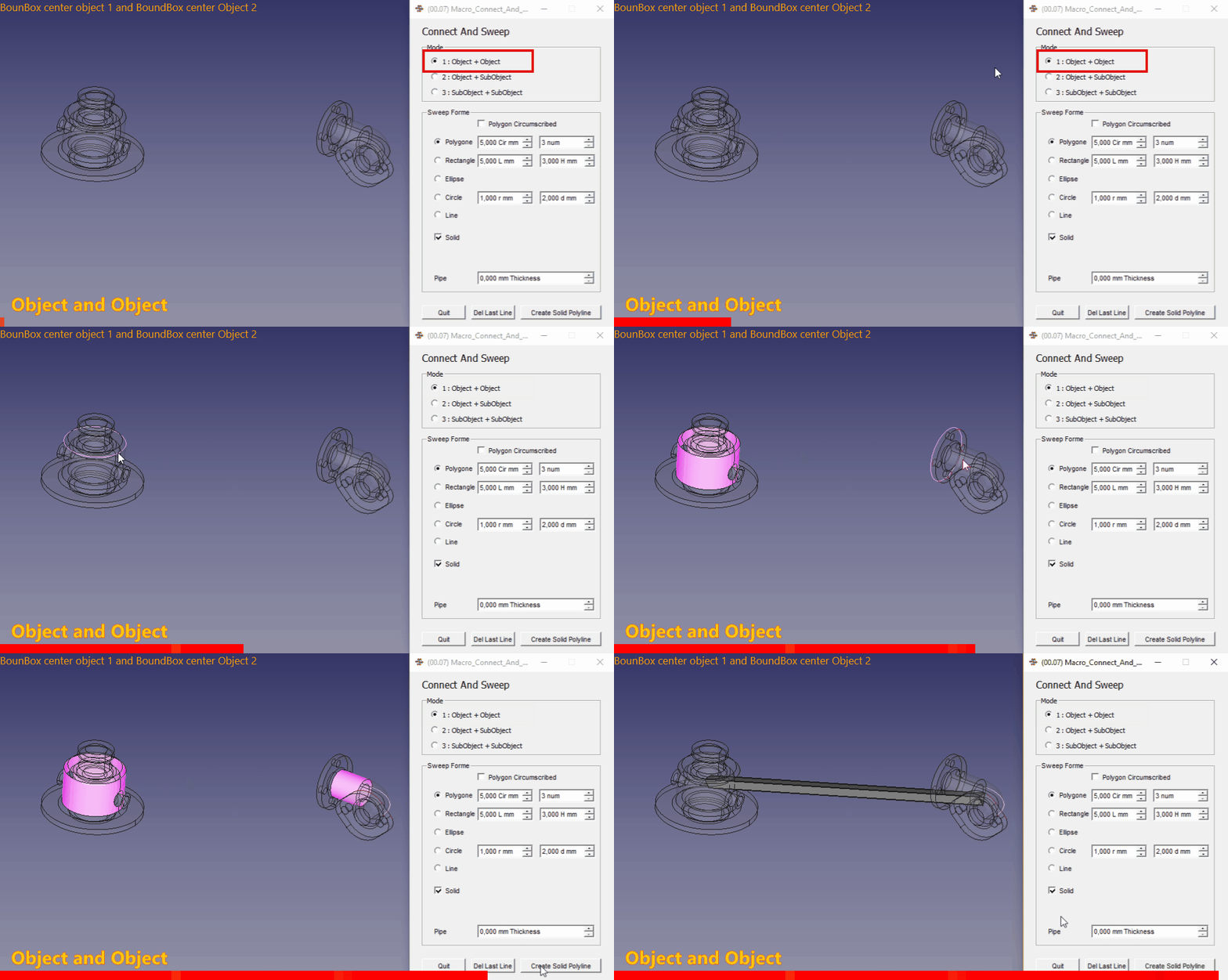
Object and Object, the connection boundBox center object 1 and boundBox center object 2
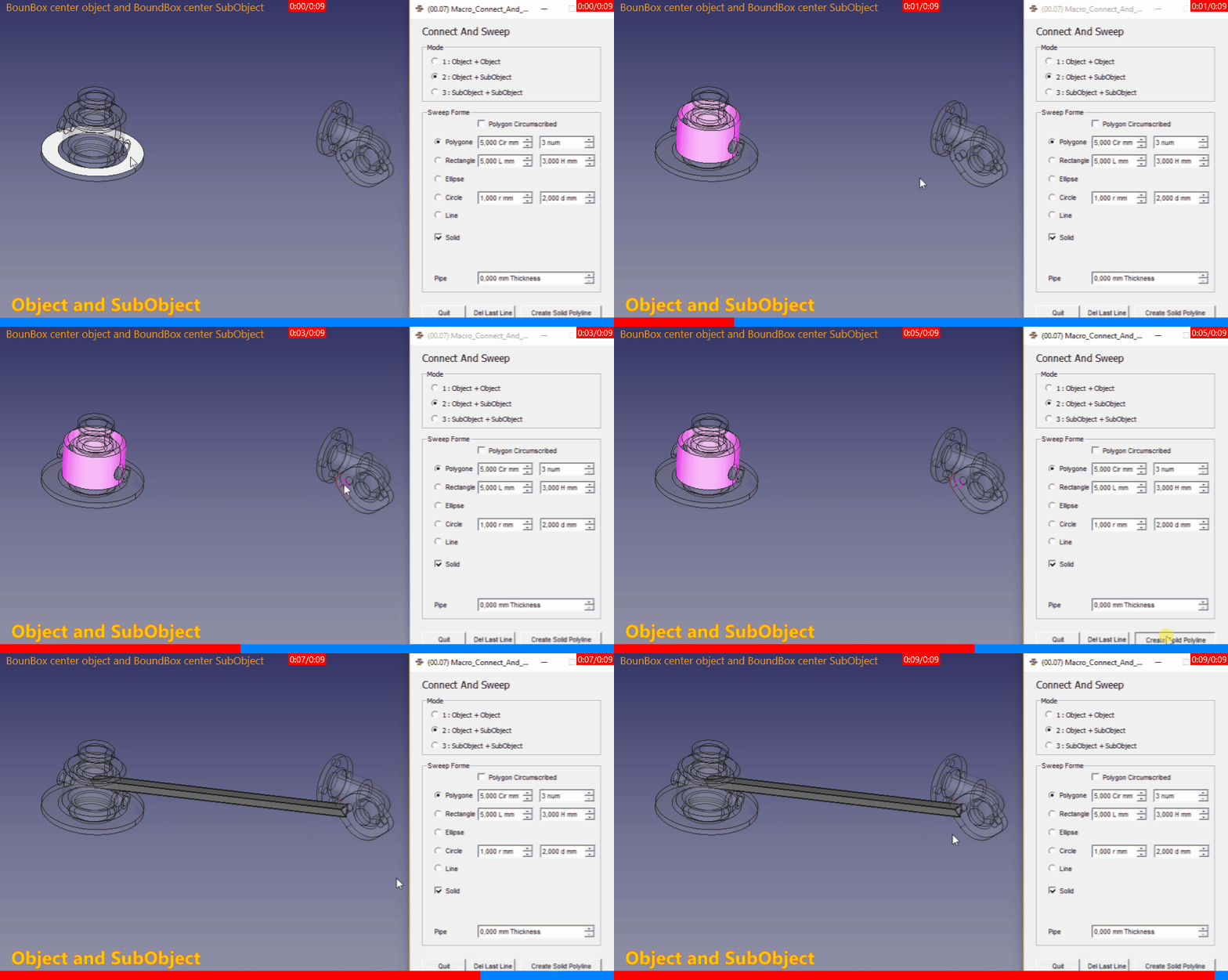
Object SubObject, the connection boundBox center object 1 and boundBox center Subobject 1
SubObject SubObject, the connection boundBox center Subobject 1 and boundBox center Subobject 2
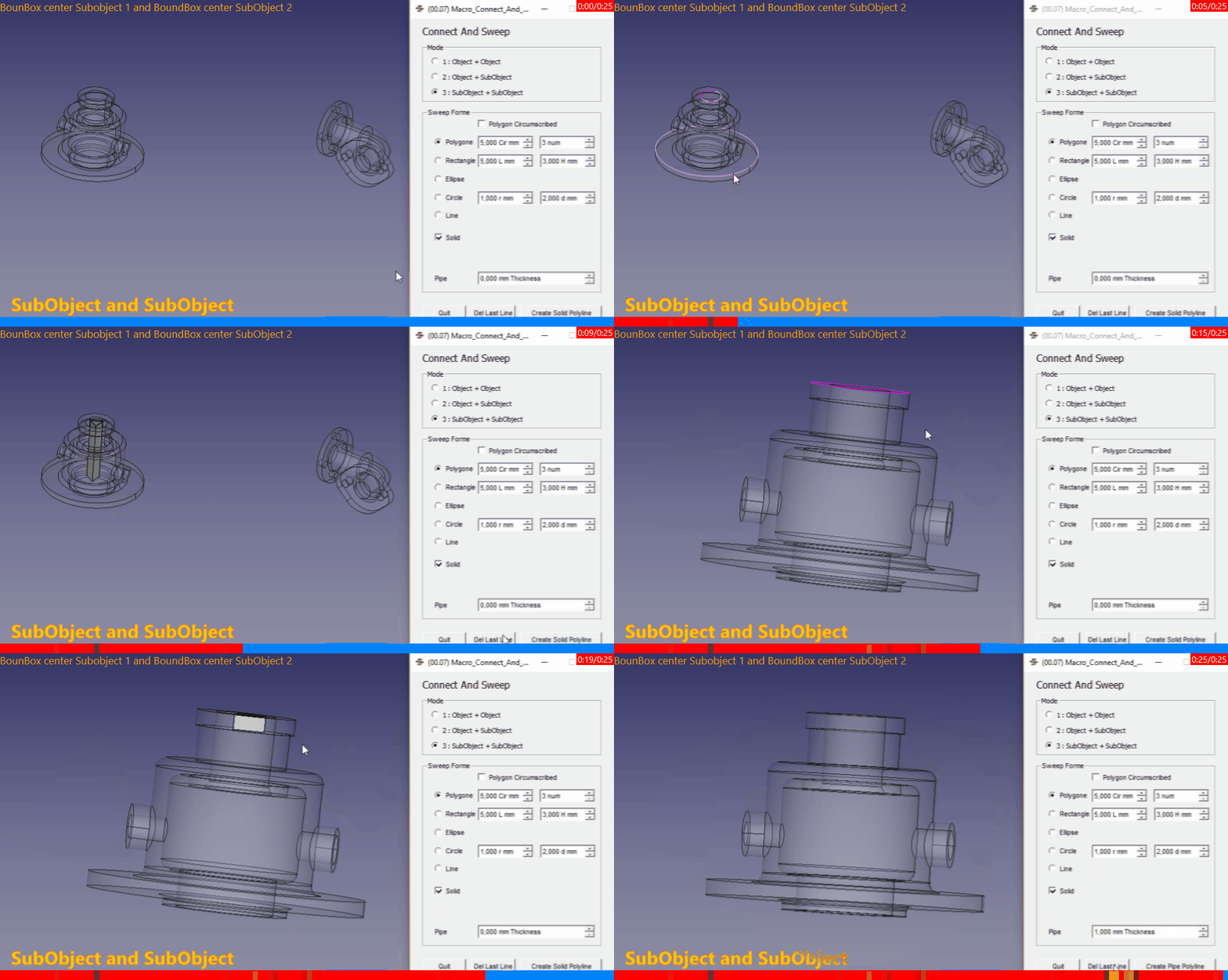
Connect And Sweep Direction one object selected or Subobject selected
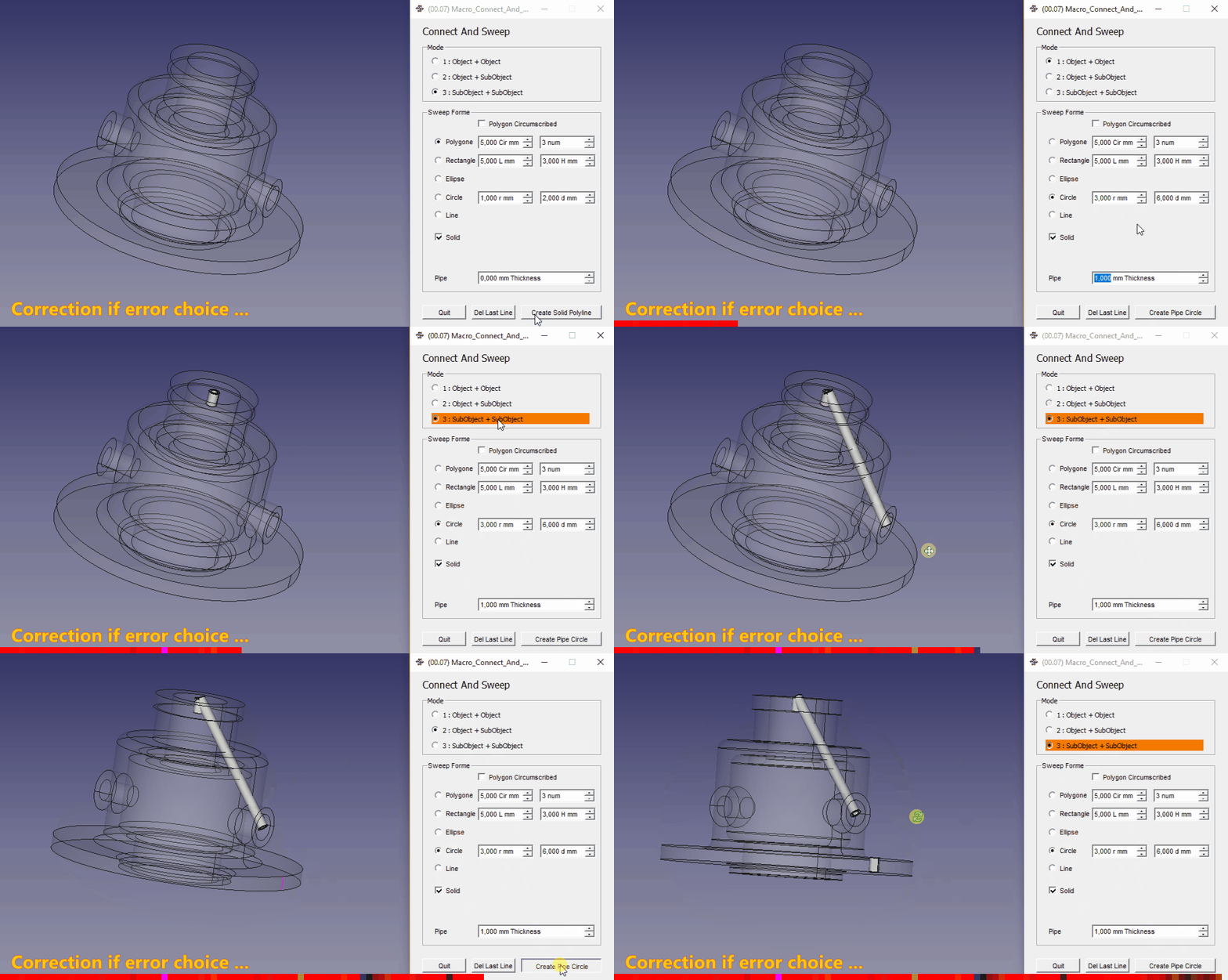
Detect Error of mode selection, if one error of selection is created the mode change to mode 3 and the mode 3 line is colored in orange
Version
ver 0.13 2024/07/24 : del webGui and replace by webbrowser
ver 0.12 2020/07/05 : include icons in source code
ver 00.11b 2020-02-22 : adding the test "try: except" on test FreeCAD version
ver 00.11 2020-02-13 : modify for the HD dpi QGridLayout run only FC version 0.18 and more
For the precedent version see Macro_Connect_And_Sweep.FCMacro
ver 00.10 2020-01-09 : centering on face
ver 00.09 2020-01-06 : adding Tab Duplicate (as Macro reproWire), Sweep, Loft.
ver 00.08 2019-12-23 : adding function discretize wire and create marker points for use the points as landmarks
ver 00.07 2019-06-26 : upgrade add mode Object to Object, Object to SubObject, SubObject to SubObject selection one line and other minor change
00.06 18/06/2019 : adding "Recompute" on create line section
00.05 05/04/2019 : compatible Python 3
00.04 22/02/2017 : upgrade the search path
00.03 15/09/2016 : add create pipe
00.02 13/06/2016 : add options choice angle path rectangle and ellipse
00.01 07/06/2016 : add option solid or not centring rectangle or not
00.00 05/06/2016 :
Links
The forum discussion Scripting point to point tubing
This macro is based to the microelly2 code see Looking for some helpful GUI-commands
Other forum discussion Macro_Connect_And_Sweep
This page is retrieved from https://wiki.freecad.org/Macro_Connect_And_Sweep