GuiCommand: Name: CfdOF Mesh Refinement MenuLocation: CfdOF , Mesh refinement Workbenches: CfdOF_Workbench Shortcut: M R
CfdOF Mesh Refinement
Description
The Mesh refinement dialogue panel is used to add surface, volume and extrusion refinements to the background mesh.
Usage
The dialogue panel offers the following settings:
Once the CFD Mesh has been created, the Mesh refinement dialogue panels can be added to the tree in the following ways:
-
Select the
 [Geometry Name]_Mesh within the tree
 -
Both the
 button and the CfdOF → Mesh refinement menu option, become available.
 -
Click on either the:
**<img src="https://raw.githubusercontent.com/FreeCAD/FreeCAD-documentation/master/wiki/images/CfdOF_Mesh_Refinement.svg" width=16px>**
button or,-
CfdOF →
Mesh refinement
menu option.
-
-
The Mesh refinement dialogue panel will open.
-
**MeshRefinement** will be created in the tree below the **\[Geometry Name\]\_Mesh**.
-
Multiple Mesh refinements can be added to the tree. Each additional Mesh refinement will be named
MeshRefinementxxx where xxx is an incrementing number from 001.
Options
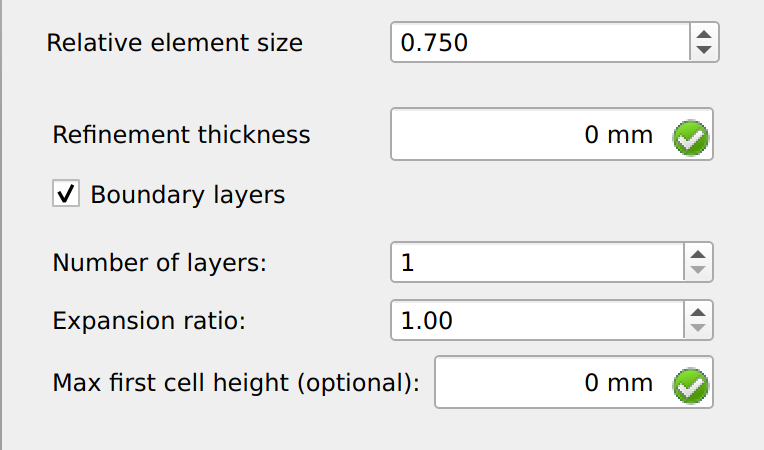
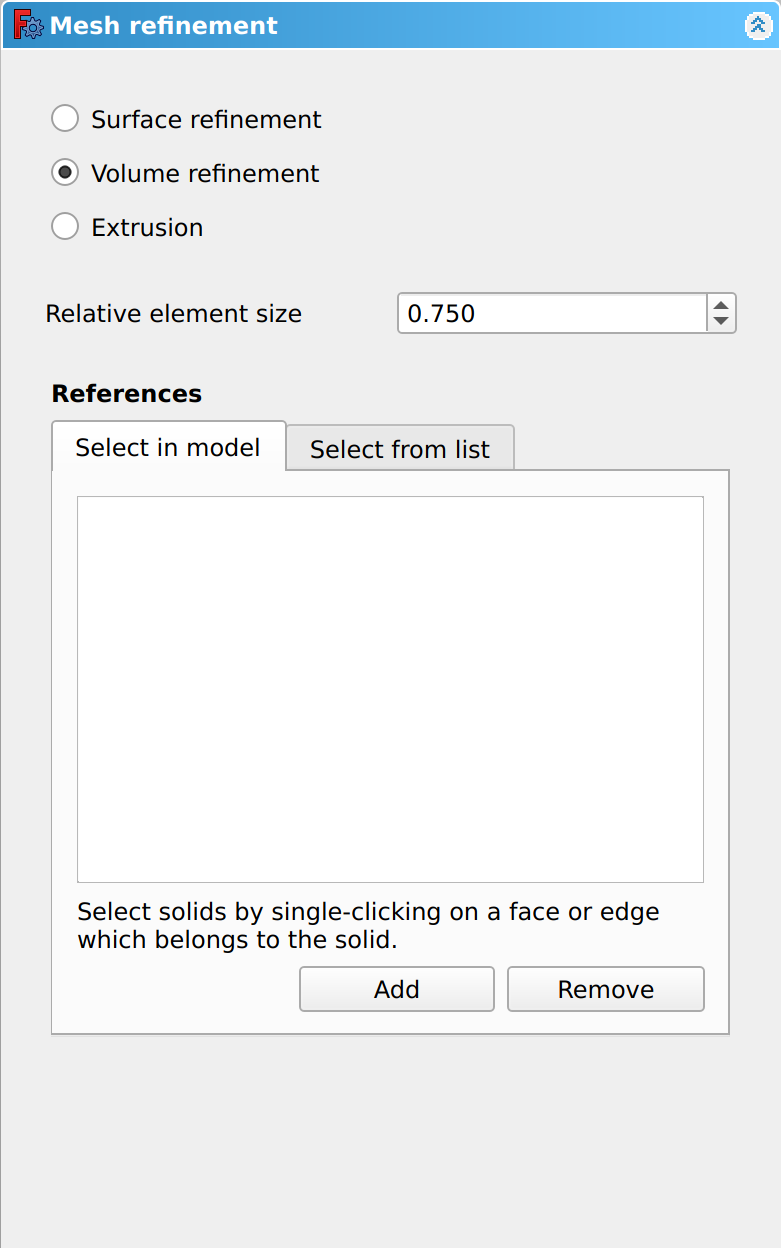
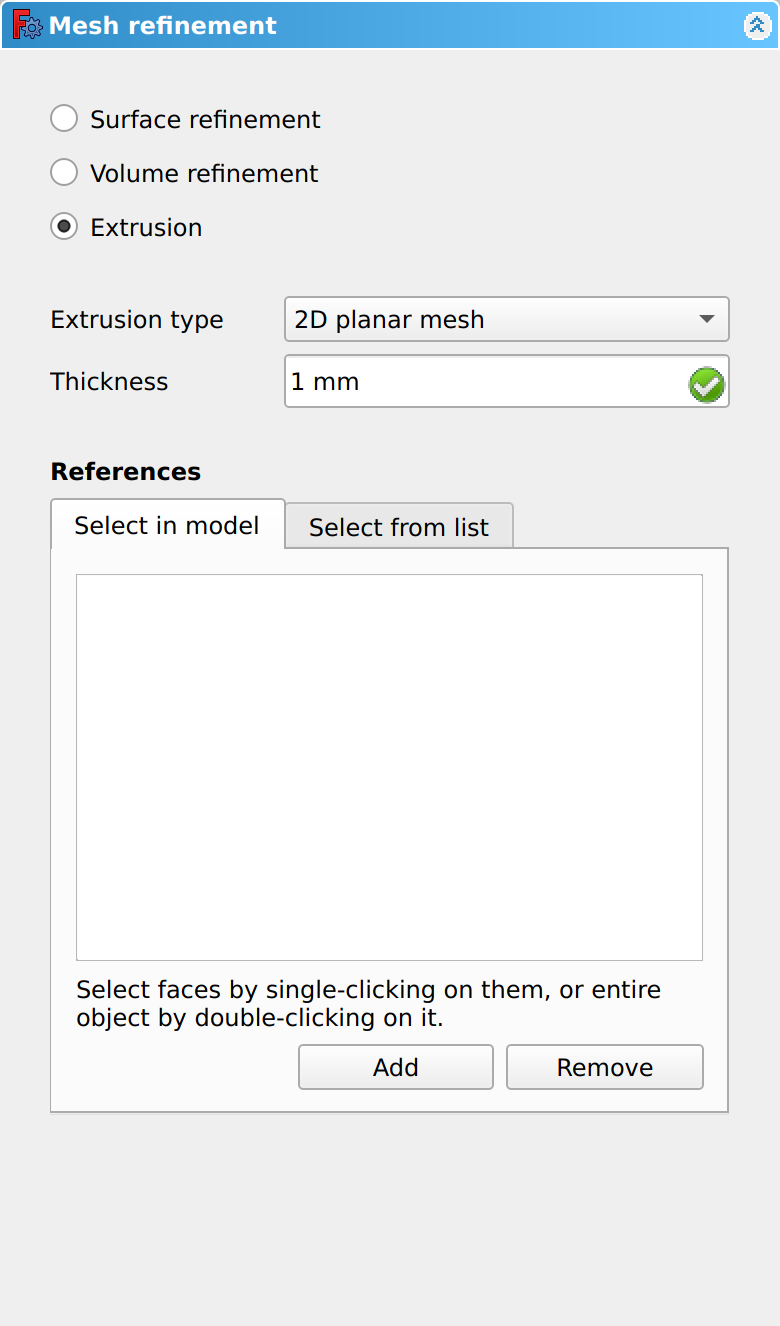
The dialogue panel offers the following settings:
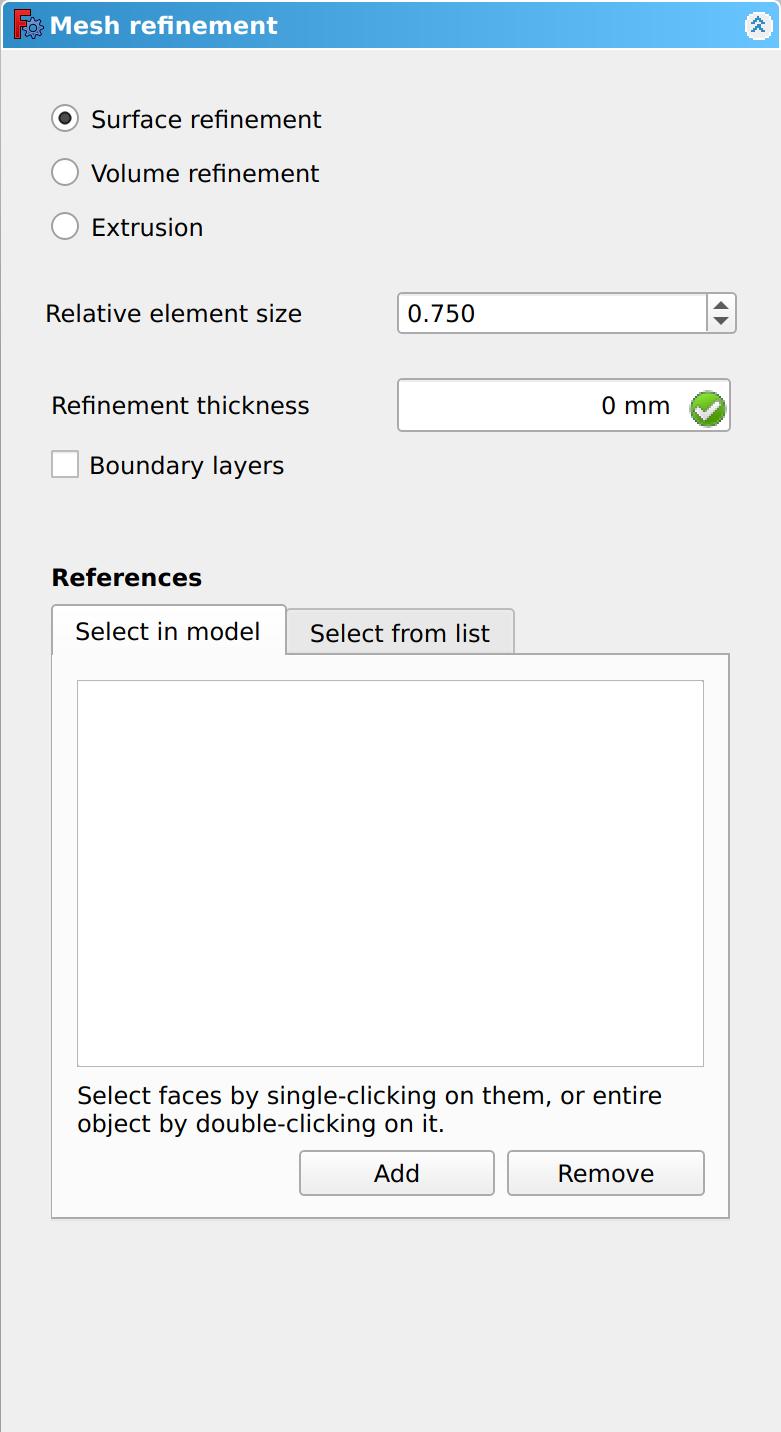
Surface Refinement
Volume Refinement
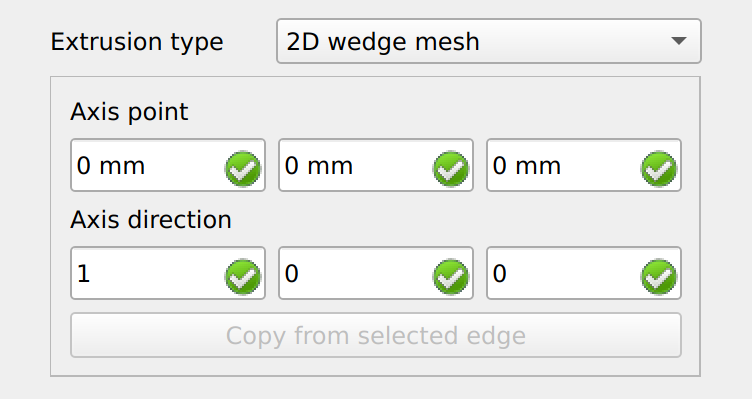
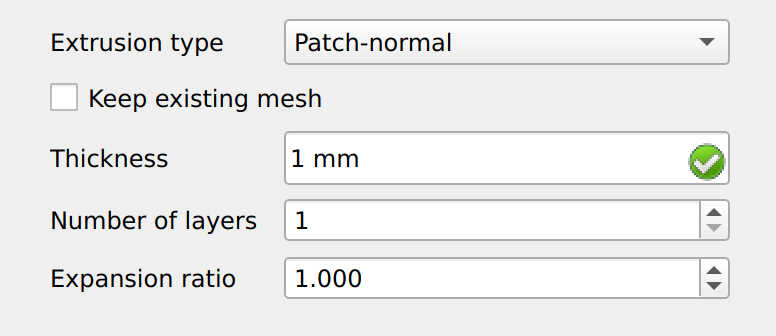
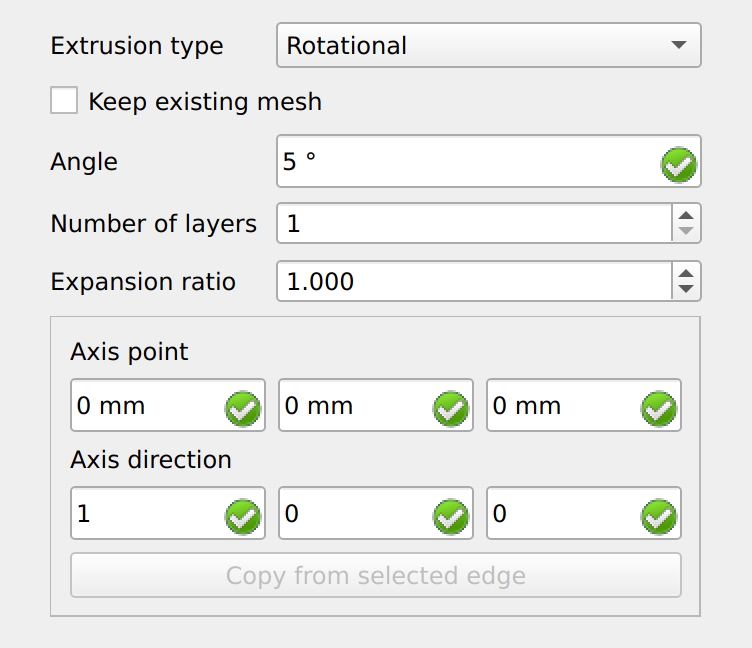
Extrusion
Notes
{{CfdOF Tools navi}}
⏵ documentation index > CfdOF > CfdOF Mesh Refinement
This page is retrieved from https://github.com/FreeCAD/FreeCAD-documentation/blob/main/wiki/CfdOF_Mesh_Refinement.md