Overview
There has been much discussion over the years about the differences and ramifications of using the  Part and the
  PartDesign workbenches.
It is a good idea to use one or the other until the user is comfortable with one, then learn the other. It is also typically recommended that new users not mix them until the ramifications of doing so are understood.
Let's talk about those ramifications.
Part Workbench Concepts
Part Workbench is essentially CSG style modeling. The operator combines various primitives to end up with a representation of the desired shape. (In fact, Part Workbench goes one step further than just primitives and allows the operator to use a sketch+extrude operation (or sketch+revolve, loft, sweep ...) to create custom shapes as well.) When each primitive or shape is created, it has no relationship to other objects created (except sketches and their attachments), it is a single solitary solid.
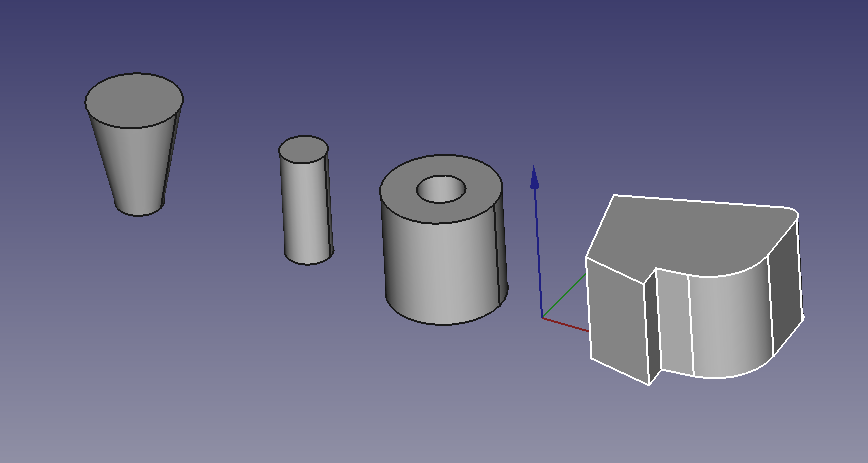
This condition remains so, until, the operator uses some operation to combine them (typically a Boolean that adds or subtracts them). Each starting solid remains accessible separately and the operation creates a new object.
The take away is the single solitary solid bit and the combining them bit.
PartDesign Workbench Concepts
In the PartDesign Workbench the Body object is constructed directly as a single solitary cumulative solid.
The 1st step in a body must be a block of material, either from an additive primitive or an extrusion from a sketch, or an imported shape (then called Base Feature).
This initial block of material will be changed sequentially until the desired final shape (solid) is obtained.
It is cumulative in the sense that each operation adds or removes material.
By default, the "tip" of the body - unless there is a voluntary change in the visualization of a particular feature - is the last operation performed on the body. This is the current and visible state of the body, ready to be changed again by new feature.
Any function under the body represents the cumulative shape of the solid from the 1st feature to the feature considered.
So to have the complete solid, on the one hand the Tip feature must be the last stage of the construction of this solid, and on the other hand it is the body which must be selected and not a stage of its construction.
This will make it possible, in the event of a modification, to always have the last version of the solid represented.
Note and additions : At each time of the construction, the last function used is the "Tip", which can be defined too as "active stage in the construction of the object" or "stage preceding the next action in the construction of the object". When the object's drawing is complete, Tip is naturally the last stage or feature of the construction. But if desired, in case of forgetting, any feature of the construction can be provisionally declared as Tip: it then becomes the step preceding the next action in the construction of the object, which means that new feature(s) can be inserted anywhere in the construction, on the condition that no incompatibilities are created with the suite.
When everything is finished, you have to redeclare the last feature as Tip, which corresponds to the finished object.
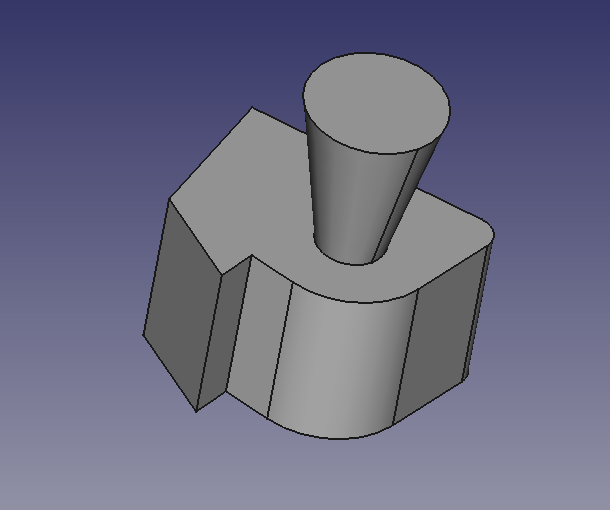
This image shows a Body. It is a cumulative solid that consists of a padded sketch and a cone primitive. This is a single solid.
If Tip on Pad, the pad can exist separately, but if Tip on Cone, the cone cannot exist separately (Tip on cone = pad + cone).
(Another thing mentioned often is a Body MUST be a single contiguous solid. This means all geometry created by a feature in the Body must touch its predecessor.)
The Ramifications
Although not recommended for newcomers, it is possible to combine tools from Part workbench and PartDesign workbench, provided you know what you are doing. For example :
People get caught when they attempt to use some feature under the Body (rather than the Body itself) as one selection of a Part Workbench Boolean operation. This is a problem, because the selected feature does not represent THE complete solid.
In a sense, from a Part Workbench standpoint, the Body represents another primitive. So, using a Body (remember it is a proxy for the tip) and a Part Workbench object to do a Boolean is valid. But the resulting object is a Part Workbench object. And, thus PartDesign Workbench tools can't be used on it any longer.
And, it can get even more complicated. If you create a new Body and drag the result from the previous paragraph into it, a BaseObject is created. And you can go off and use the PartDesign Workbench tools on it.
The Caveats
There is a caveat with the Tip and its representation of the single solid in the Body. If the tip is a subtractive feature and is used in a dress up operation, for instance a Mirror, the Mirror is operating on the underlying feature (a pocket for example). Thus the cumulative solid is not mirrored, but the subtractive feature is. The result of this must create a single solid.
In this example, a mirror of the tip (which is the pocket of the slot) around any of the base planes, or even a face of the solid will not produce a mirrored solid of the entire model. (In fact, it will produce a Mirrored feature in the tree that is essentially empty.)

In this example, a mirror of the tip (which is the pocket of the slot) is performed around the datum plane and produces a mirrored slot:
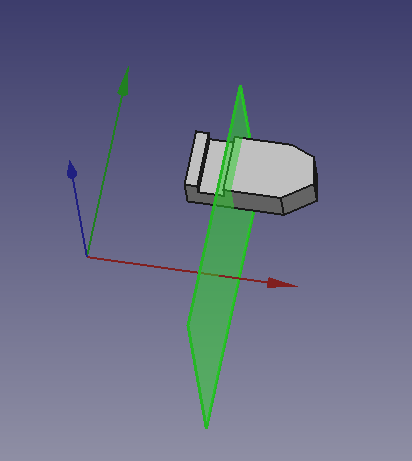
See the  PartDesign Mirrored tool wiki page for more information.
Comparison
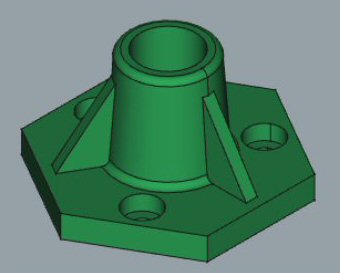
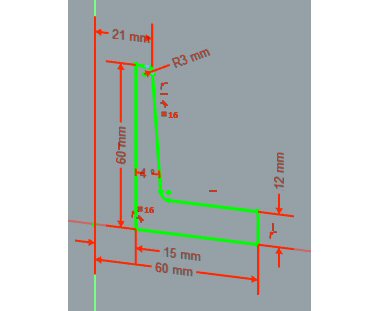
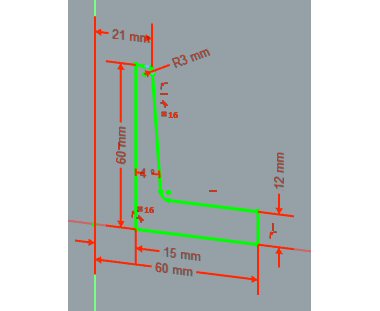
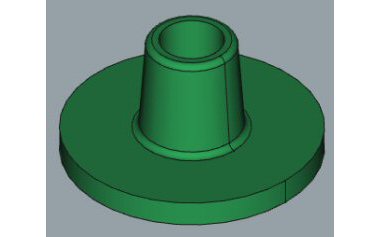
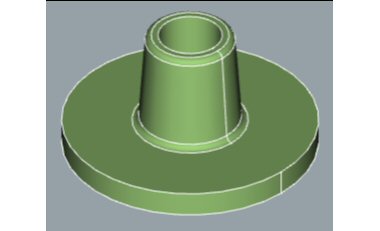
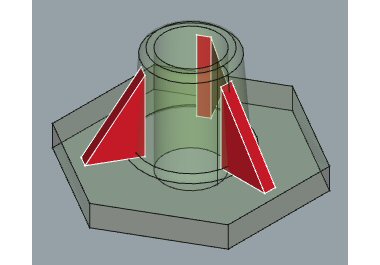
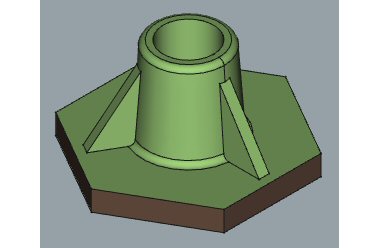
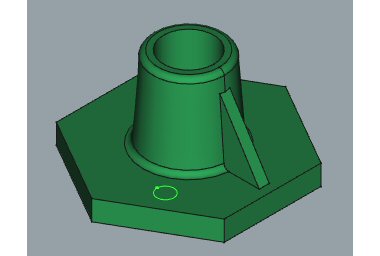
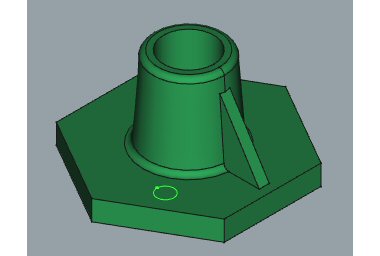
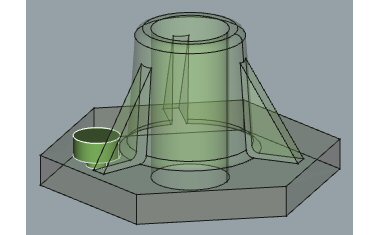
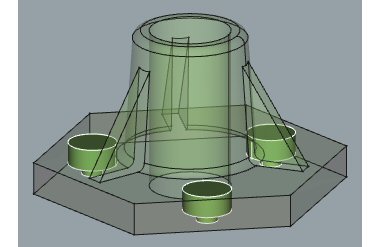
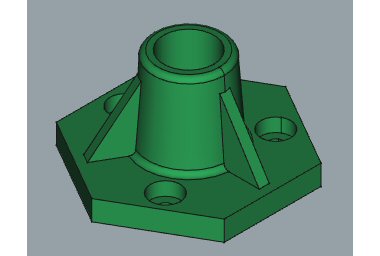
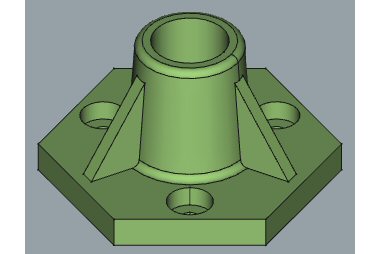
This paragraph demonstrates how it's possible to create the same model using each of the workbenches. Note that some steps are missing from the PartDesign column in the table, since many of its tools automatically perform Boolean operations.
| In PartDesign workbench |
In Part workbench
|
|---|---|
01-  New body > New body >  New Sketch in XZ-plane New Sketch in XZ-plane |
01-  Sketcher workbench > Sketch in XZ-plane Sketcher workbench > Sketch in XZ-plane
|
 |
 |
02-  Revolution / Z Revolution / Z |
02-  Revolve / Z Revolve / Z
|
 |
 |
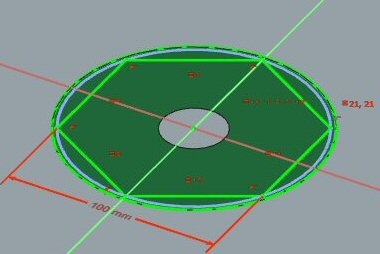
| 03- New Sketch in XY-plane |
03- Sketcher workbench > New Sketch in XY-plane
|
 |
|
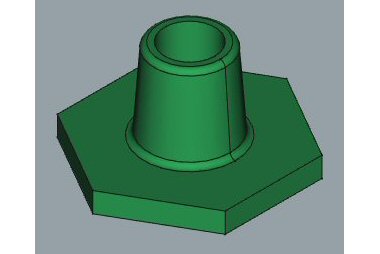
04-  Pocket Pocket |
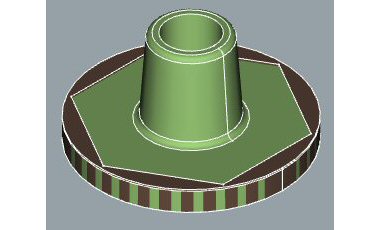
04a-  Extrude Extrude
|
 |
 |
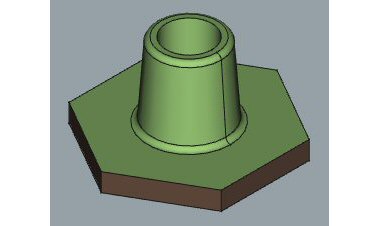
04b-  Cut Cut
| |
 |
 |
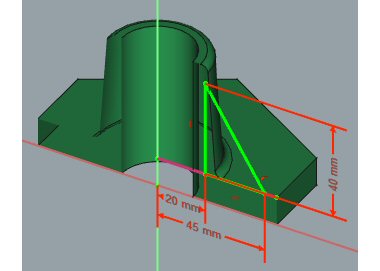
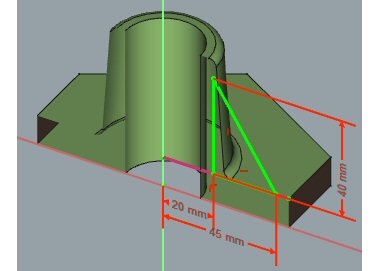
| 05- New Sketch in XZ-plane |
05- Sketcher workbench > New Sketch in XZ-plane
|
 |
 |
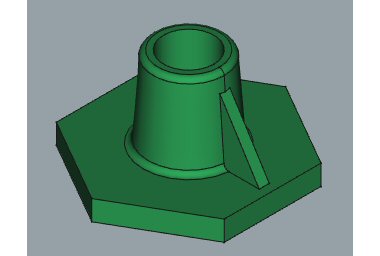
06-  Pad sym/XZ Pad sym/XZ |
06a- Extrude sym/XZ
|
 |
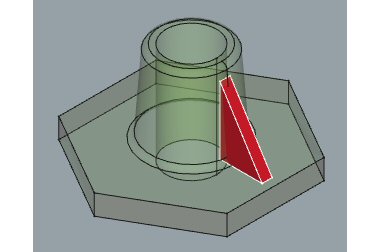 |
06b-  Draft Draft  Polar Pattern Polar Pattern
| |
|
 |
06c-  Fusion Fusion
| |
|
 |
| 07- New Sketch on base planar face |
07- Sketcher workbench > New Sketch in XZ-plane
|
 |
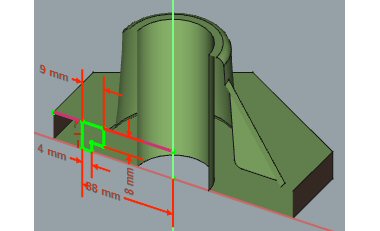 |
08-  Hole - counterbore Hole - counterbore |
08a- Revolve
|
 |
 |
| 08b- Draft Polar Pattern
| |
|
 |
09-  Polar Pattern of Hole and Pad Polar Pattern of Hole and Pad |
09- Cut
|
 |
 |
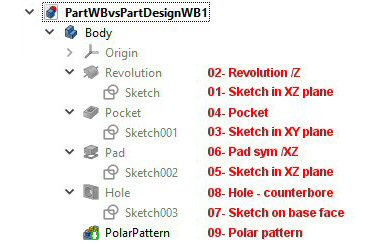
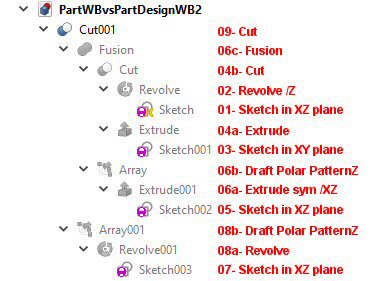
The resulting Tree Views are quite different. See the images below. The texts in red refer to the steps in the table.
| 10- Tree View in PartDesign workbench | 10- Tree View in Part workbench |
 |
 |
Conclusion
Part and PartDesign workbenches can be used together with some care, creating quite complex models.
This page is retrieved from https://wiki.freecad.org/Part_and_PartDesign